
Dub Google Drive videos with DubLab and post to Buffer after approval

Turns new Google Drive videos into dubbed versions in each target language, files them by language, and posts to social channels after you approve each dub

Dark metal film reel with unspooling strip, each frame glowing with blue audio waveforms against a black background

About

This template runs an agent that dubs your videos into multiple languages and moves them toward publication, with your approval standing between each dub and your audience. It fits teams that produce video in one language and want localized versions distributed across social platforms without manual tracking.

What it does

The agent watches a designated Drive inbox folder for new videos. For each video, it creates dubbed versions in every target language you set, files each dub back into Drive under a per-language naming convention, and queues the approved versions for social distribution.

Distribution happens only after you approve a dub. Nothing goes out on its own. The agent also guarantees that no video-language pair is dubbed twice and that no submitted dub is lost, so repeated runs never duplicate work or drop a job in progress.

How it works

The agent loads a rollout procedure at every run that tracks the state of each video-language pair through pending, submitted, ready, stored, and failed. This recovery-first approach means an interrupted run picks up exactly where it left off.

  1. Read new videos from the Drive inbox folder.
  2. Submit each video-language pair to DubLab for dubbing.
  3. Store finished dubs in Drive, named and filed by language.
  4. Send approved dubs to Buffer for social posting.

By default it runs weekly, every Wednesday at 8:00. It connects to Google Drive for source and storage, DubLab for the dubbing itself, and Buffer for social distribution.

What you will need

  • Buffer

  • DubLab

  • Google Drive

Agents in this template

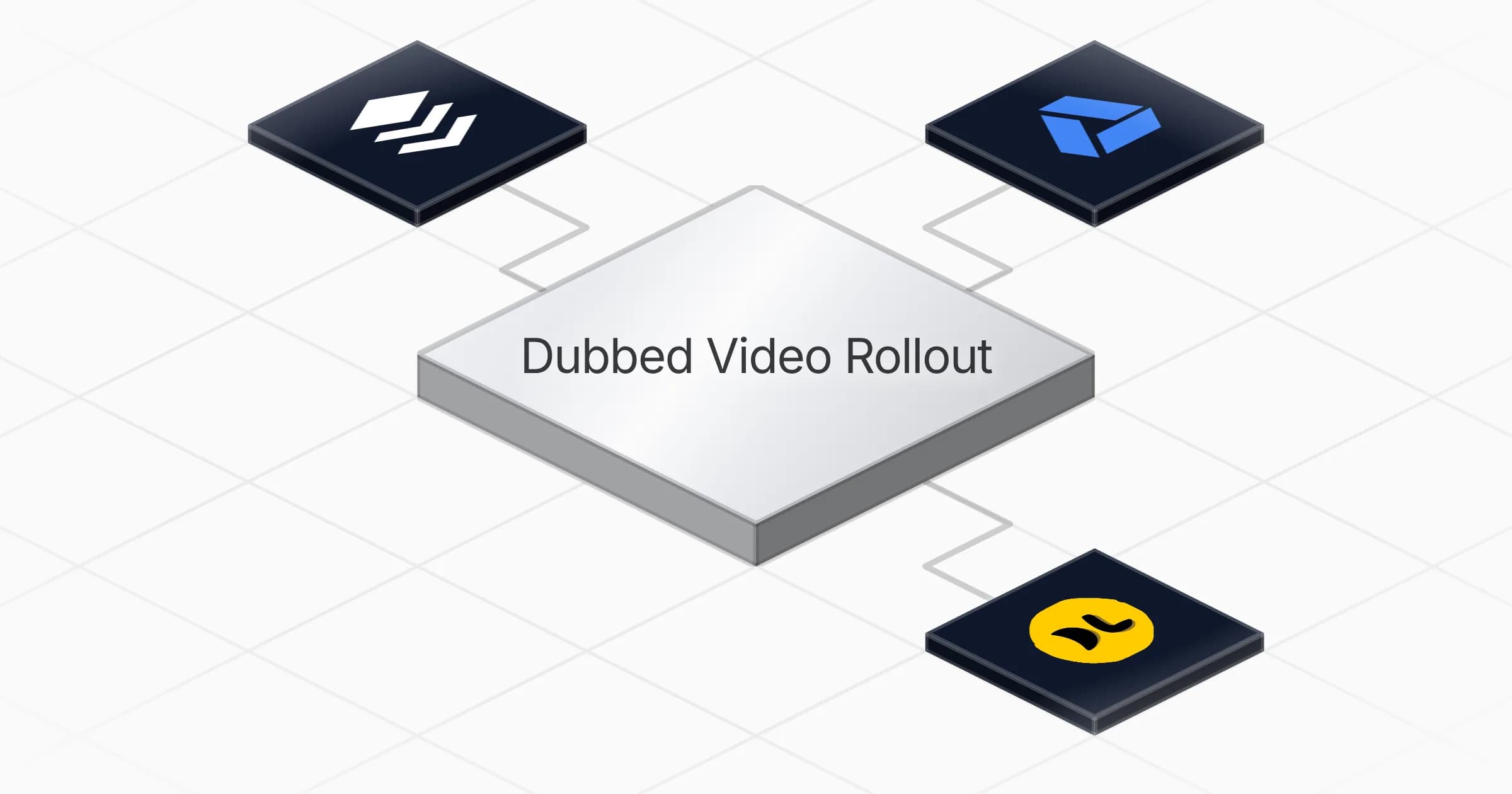
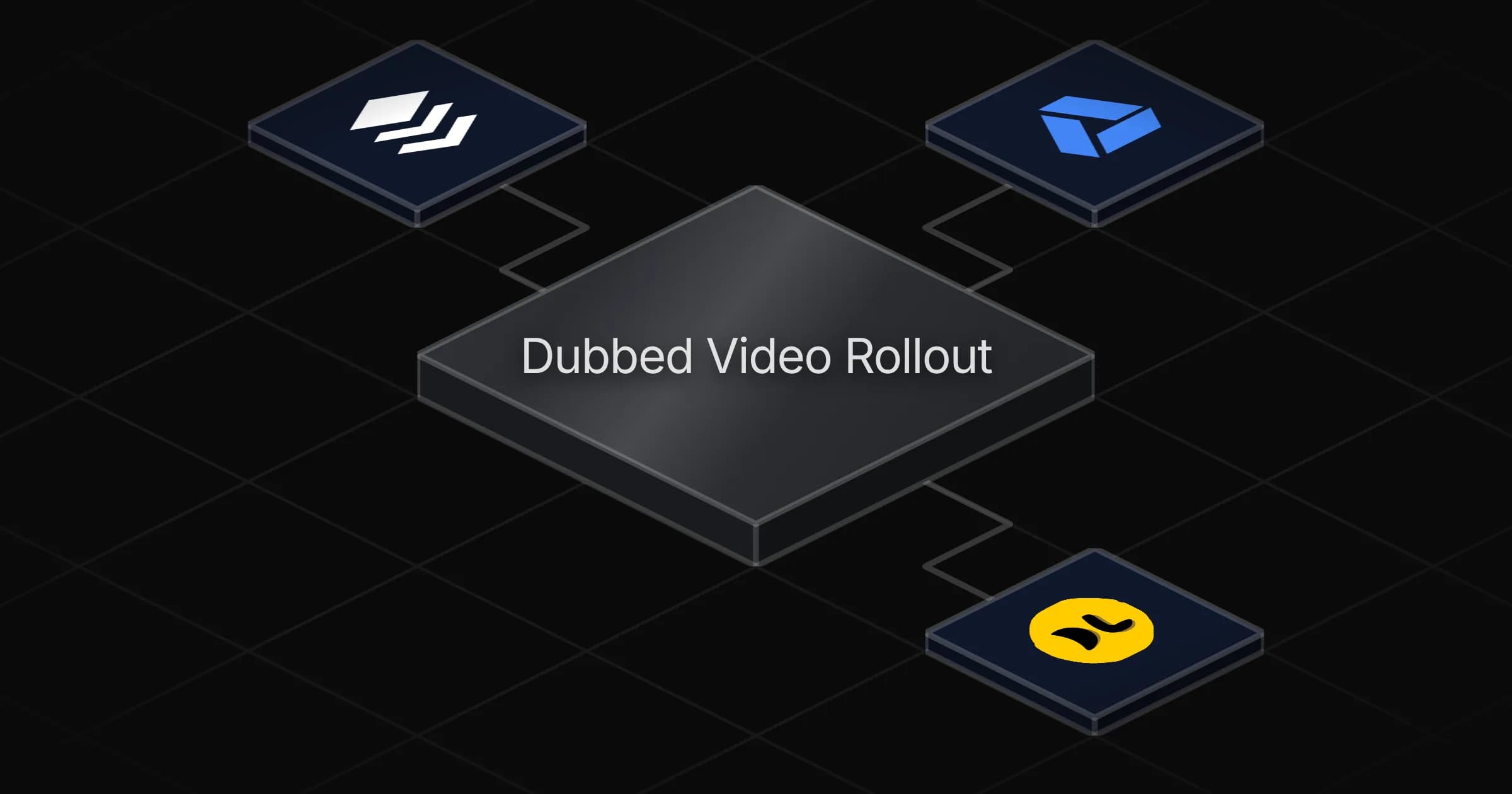
Dubbed Video Rollout

Watches a Drive inbox folder and turns every new video into dubbed versions in each of your target languages — filed per language in your Drive, and distributed to your social platforms only after you approve each dub. No video-language pair is ever dubbed twice, and no submitted dub is ever lost.

Connectors

Skills · 1

dub-rollout

Load at every run. Carries the recovery-first procedure for submitted dubs, the pair-state transitions (pending, submitted, ready, stored, failed), the Drive filing conventions and per-language naming in references/rollout-conventions.md, the recovery rules in references/recovery-and-state.md, and the four table schemas to recreate if a table is missing.

Scheduled tasks · 1

weekly dub rollout

At 08:00 AM, only on Wednesday
Frequently asked questions

Which accounts do I need to connect?

Three: Google Drive for the source videos and dub storage, DubLab for the dubbing, and Buffer for social posting. All three connections are set during the roughly five minute setup so the agent can read your inbox folder, submit videos, and queue approved dubs.

How often does the agent run?

Weekly, every Wednesday at 8:00. On each run it checks the Drive inbox folder for new videos, submits pending video-language pairs to DubLab, files finished dubs, and queues any dubs you have approved for Buffer.

Does anything get posted to social without my approval?

No. Distribution to Buffer happens only after you approve each dub. Every dubbed version stays filed in Drive until you sign off, so nothing reaches your audience on its own.

How does it avoid dubbing the same video twice?

It tracks the state of every video-language pair through pending, submitted, ready, stored, and failed. No pair is ever dubbed twice and no submitted dub is lost, so repeated weekly runs never duplicate work or drop a job in progress.

Where do the dubbed videos end up?

Back in your Google Drive, filed per language under a naming convention set by the rollout procedure. Each target language gets its own filed version so you can find any dub by language.

What happens if a run is interrupted partway through?

The next run picks up where it left off. The agent loads a recovery-first procedure at every run that reads the state of each video-language pair, so an interrupted run resumes submitted and pending dubs rather than starting over.

More Creators templates

Deliver five weekly content drops to Gmail with fresh themes and angles
Creators

Deliver five weekly content drops to Gmail with fresh themes and angles

Sends five finished, ready-to-post content pieces to your inbox every Monday, each on a fresh theme and angle drawn from your own posting history

1 agent5 min setup
Vertical black device with blue-lit stacked panels floating in dark haze, a fainter duplicate behind it
Creators

Produce weekly AI short videos with Higgsfield and publish via Buffer

Generates a weekly batch of AI short videos, from idea to stitched clip, and publishes each one to your social platforms after your approval

1 agent5 min setup
Black studio microphone lit with pink neon, projecting translucent document and social post panels from its base against a
Creators

Turn new podcast episodes into blog, social and newsletter drafts with Google

Turns every new podcast episode into a ready-to-review pack of blog, social and newsletter drafts, one Google Doc per episode

1 agent5 min setup

Your first agent is
three minutes away

Start for free
Rerun

Run your work on agents. Build them, watch them work, and keep your eyes on everything.

Rerun - Build, monitor and share self-improving autonomous agents | Product Hunt

© 2026 Rerun. All rights reserved.