Draft first-touch outreach emails in Gmail from new HubSpot leads

Turns each new HubSpot lead into an industry-tailored first-touch email drafted in Gmail and left ready for you to review and send

Draft first-touch outreach emails in Gmail from new HubSpot leads

About

This template installs an agent that watches for new leads in HubSpot and writes a personalized first-touch email for each one, saved as a draft in Gmail. It is built for founders and sales operators who want outreach that reads like it was written by hand, without spending the morning writing it.

What it does

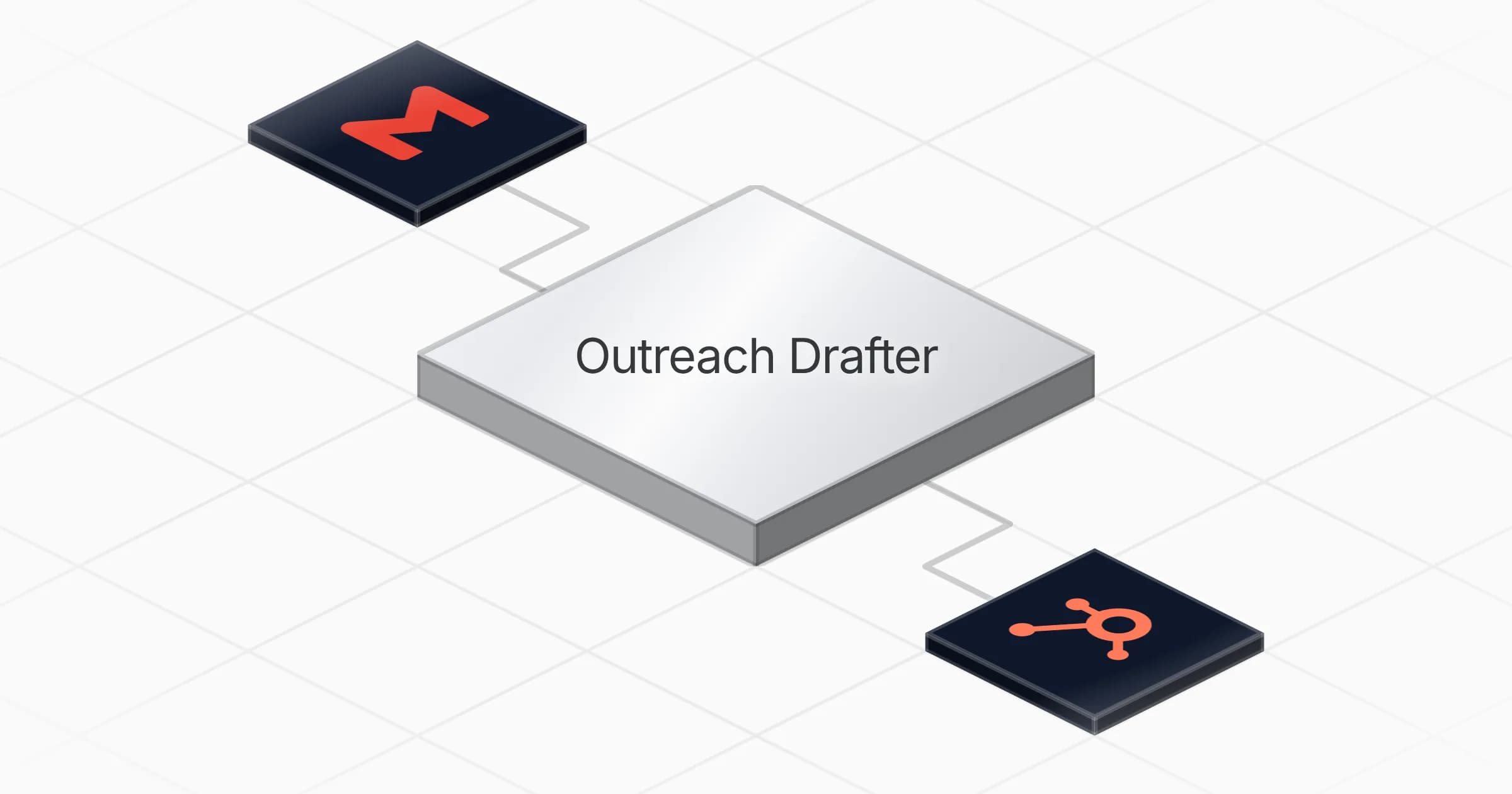
The Outreach Drafter agent takes each new HubSpot lead and produces a ready-to-send first-touch email in Gmail. Every draft is tailored to the lead's industry and company size, so the message speaks to the right context instead of relying on a single generic script. Drafts are never sent automatically: they wait in Gmail for you to read, adjust and send.

  • Pulls new leads from HubSpot
  • Writes a first-touch email tailored to industry and company size
  • Saves each message as a Gmail draft for review
  • Applies an anti-template checklist so drafts avoid the usual cold email patterns

How it works

The agent runs on a weekly schedule, every Monday at 8:00 AM, and processes the leads that have come in. For each one it loads its outreach-drafting skill before writing, which carries the drafting procedure and a tailoring grid that matches tone and angle to the lead's profile.

Every email lands as a draft, so you stay in control of what actually goes out.

The result is a stack of prepared, lead-specific drafts waiting in Gmail each week, ready to review and send in minutes.
What you will need

  • Gmail

  • HubSpot

Agents in this template

Outreach Drafter

Turns each new HubSpot lead into a ready-to-send, industry-tailored first-touch email drafted in Gmail — never auto-sent.

Connectors

Skills · 1

outreach-drafting

Load before the WRITE phase, every time you turn a HubSpot lead into a first-touch Gmail draft. Carries the drafting procedure, the industry/company-size tailoring grid, the anti-template checklist, and the HubSpot field mapping.

Scheduled tasks · 1

Outreach Drafter Weekly

At 08:00 AM, only on Monday

Frequently asked questions

Which accounts do I need to connect?

You connect a HubSpot account and a Gmail account. The agent reads new leads from HubSpot and saves each drafted email in Gmail. Setup takes about 5 minutes.

How often does the agent run?

It runs on a weekly schedule, every Monday at 8:00 AM. On each run it processes the new HubSpot leads that have come in since the last run.

Does it send the emails automatically?

No. Every email is saved as a Gmail draft and never sent automatically. The drafts wait in Gmail for you to read, adjust and send yourself.

How does it personalize each email?

For every lead it loads its outreach-drafting skill, which carries a tailoring grid that matches tone and angle to the lead's industry and company size. It also applies an anti-template checklist so drafts avoid the usual cold email patterns.

What do I get at the end of each run?

A stack of first-touch email drafts sitting in Gmail, one for each new HubSpot lead, each tailored to that lead's industry and company size. You review and send them in minutes.

Does it work from existing leads or only new ones?

It watches for new leads in HubSpot and drafts an email for each one. It processes the leads that have come in for that weekly run, not your existing contact list.

More Sales templates

Enrich and score new HubSpot leads with Apollo firmographics
Sales

Enrich and score new HubSpot leads with Apollo firmographics

Enriches new HubSpot leads with company data, scores them by size, and writes clean records back every morning

1 agent5 min setup
Build target account briefs with buying signals from Apollo and Firecrawl
Sales

Build target account briefs with buying signals from Apollo and Firecrawl

Researches a target account, runs ten buying-signal checks, and delivers a sales brief with three approach angles and a personalized opener

1 agent5 min setup
Brushed metal support ticket cards with a rising arrow and refresh loop icon
Sales

Detect buying intent in Freshdesk tickets and log sales opportunities in HubSpot

Scans support tickets each week for buying signals and logs qualified sales opportunities in your CRM with a handoff note

1 agent5 min setup

Your first agent is
three minutes away

Start for free
Rerun

Run your work on agents. Build them, watch them work, and keep your eyes on everything.

Rerun - Build, monitor and share self-improving autonomous agents | Product Hunt

© 2026 Rerun. All rights reserved.