Build sales prospect battle cards from a company URL with Firecrawl

Turns a company name and URL into a sales battle card covering what they claim, what they are doing now, and how to open the conversation

Metallic card with blue edge glow divided into three panels showing wavy lines, a jagged data trace, and directional arrows

About

This template builds sales prospect battle cards from a single company URL. It is for founders and sales operators who want prospect research ready before a call, without spending an afternoon reading a website.

What it does

Give the agent a company name and a URL. It produces a battle card with three parts: what the company says it is, what it is actually doing right now based on dated signals, and how to open the conversation on the gap between the two. The card lands in Google Docs, ready to read before an outreach or a meeting.

  • Reads the prospect's site and pulls the stated positioning
  • Identifies recent, dated activity that shows current priorities
  • Frames the opening angle where the claim and the reality diverge
  • Includes objection handlers tied to what it found

How it works

The agent uses Firecrawl to read the prospect's website and surrounding pages, then applies a battle card method that treats the gap between claimed identity and current activity as the point of the conversation. It follows a domain-based identity rule to keep the research anchored to the right company, and only counts signals it can date.

The finished card is written to Google Docs. A weekly schedule runs the build every Friday at 8am, so a fresh set of cards is prepared ahead of the week's sales work. Setup takes about five minutes.
What you will need

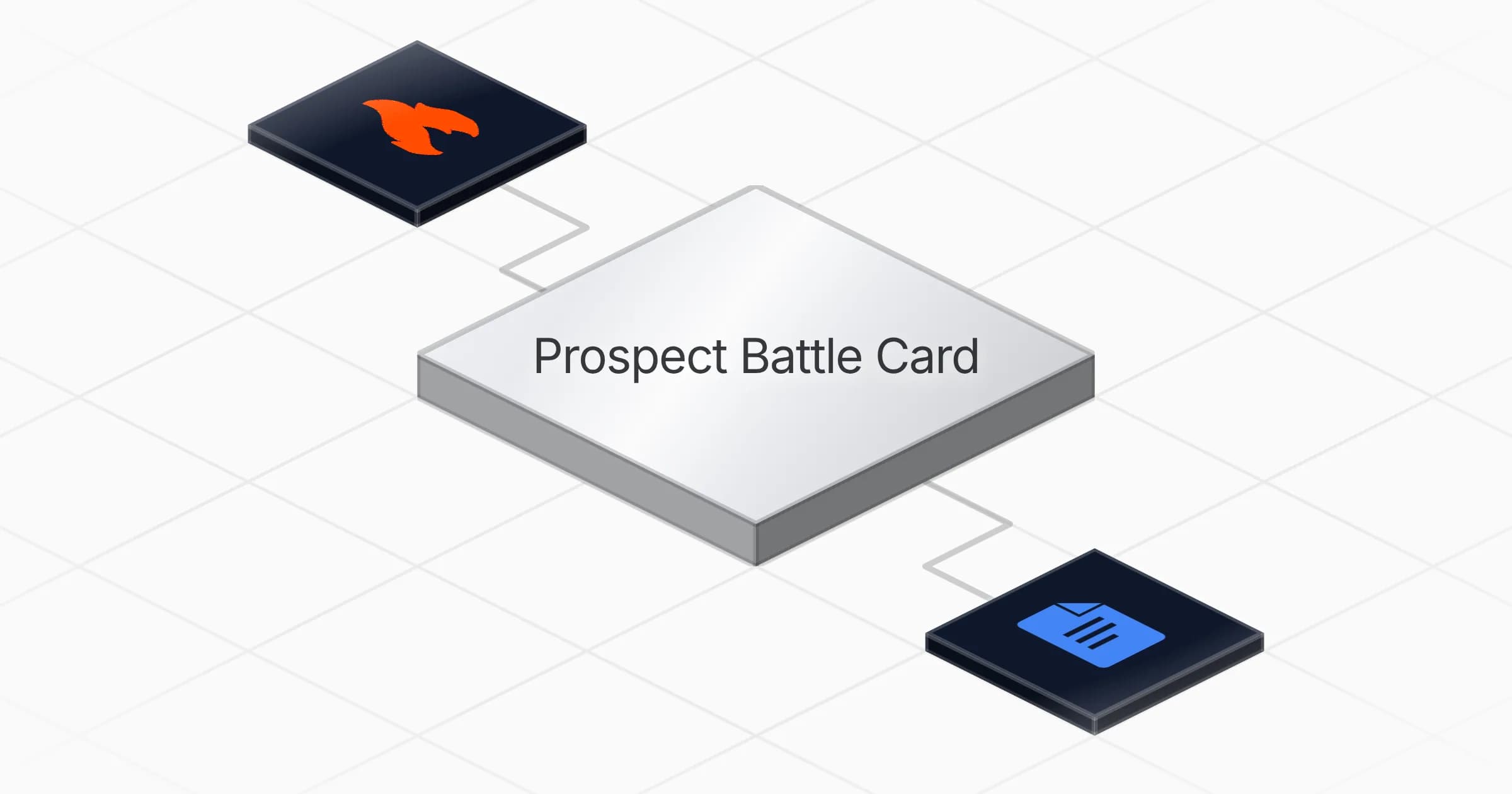
  • Firecrawl

  • Google Docs

Agents in this template

Prospect Battle Card

Turns a company name and a URL into a battle card: what they say they are, what they are actually doing right now, and how to open the conversation on it.

Connectors

Skills · 1

battle-card-method

Load at every run, from Phase 4 onward. Carries the two-angle method and why the gap between them is the product, the domain-based identity rule, what counts as a dated signal, how objection handlers and Why Now triggers are built from what was read, the freshness rule that decides when a card is rebuilt, and the three table schemas to recreate if a table is missing.

Scheduled tasks · 1

weekly battle card build

At 08:00 AM, only on Friday

Frequently asked questions

Which accounts do I need to connect?

Two: Firecrawl and Google Docs. Firecrawl reads the prospect's website and surrounding pages, and Google Docs is where the finished battle card is written. Setup takes about five minutes.
What do I give the agent to start?

A company name and a URL. From those two inputs the agent reads the prospect's site, pulls the stated positioning, finds recent dated activity, and builds the card. A domain-based identity rule keeps the research anchored to the right company.

How often does it run?

On a weekly schedule, every Friday at 8am. It prepares a fresh battle card ahead of the week's sales work, so cards are ready before outreach or meetings. You can also run it when you need a card for a specific prospect.

What does the finished battle card contain?

Three parts: what the company says it is, what it is actually doing right now based on dated signals, and how to open the conversation on the gap between the two. It also includes objection handlers tied to what the agent found.

Where does the battle card end up?

In Google Docs. The card is written there ready to read before an outreach or a meeting, so you do not have to spend an afternoon reading a prospect's website yourself.

How does it decide what counts as current activity?

It only counts signals it can date. The battle card method treats the gap between a company's claimed identity and its current, dated activity as the point of the conversation, so undated or vague claims are not used as recent priorities.

More Sales templates

Draft first-touch outreach emails in Gmail from new HubSpot leads
Sales

Draft first-touch outreach emails in Gmail from new HubSpot leads

Turns each new HubSpot lead into an industry-tailored first-touch email drafted in Gmail and left ready for you to review and send

1 agent5 min setup
Enrich and score new HubSpot leads with Apollo firmographics
Sales

Enrich and score new HubSpot leads with Apollo firmographics

Enriches new HubSpot leads with company data, scores them by size, and writes clean records back every morning

1 agent5 min setup
Build target account briefs with buying signals from Apollo and Firecrawl
Sales

Build target account briefs with buying signals from Apollo and Firecrawl

Researches a target account, runs ten buying-signal checks, and delivers a sales brief with three approach angles and a personalized opener

1 agent5 min setup

Your first agent is
three minutes away

Start for free
Rerun

Run your work on agents. Build them, watch them work, and keep your eyes on everything.

Rerun - Build, monitor and share self-improving autonomous agents | Product Hunt

© 2026 Rerun. All rights reserved.